Auto Check-In
Use the automated check-in service and get your boarding pass automatically!
If you sign up for automated check-in, you will be checked in automatically 24 hours before the departure of your flight
Sign up for automated check-in
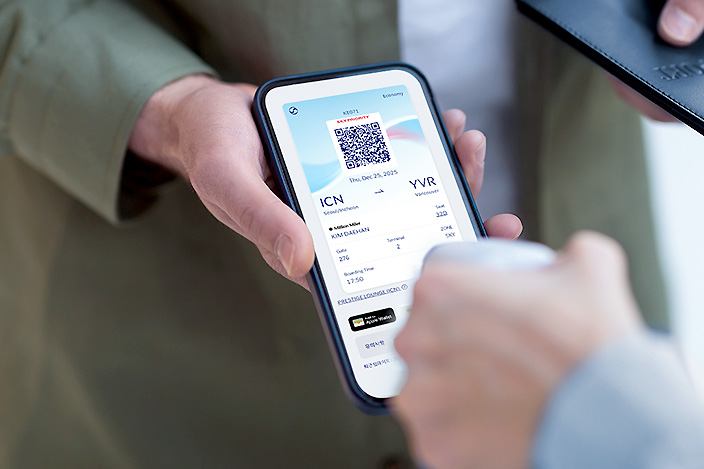
How to sign up for automated check-in
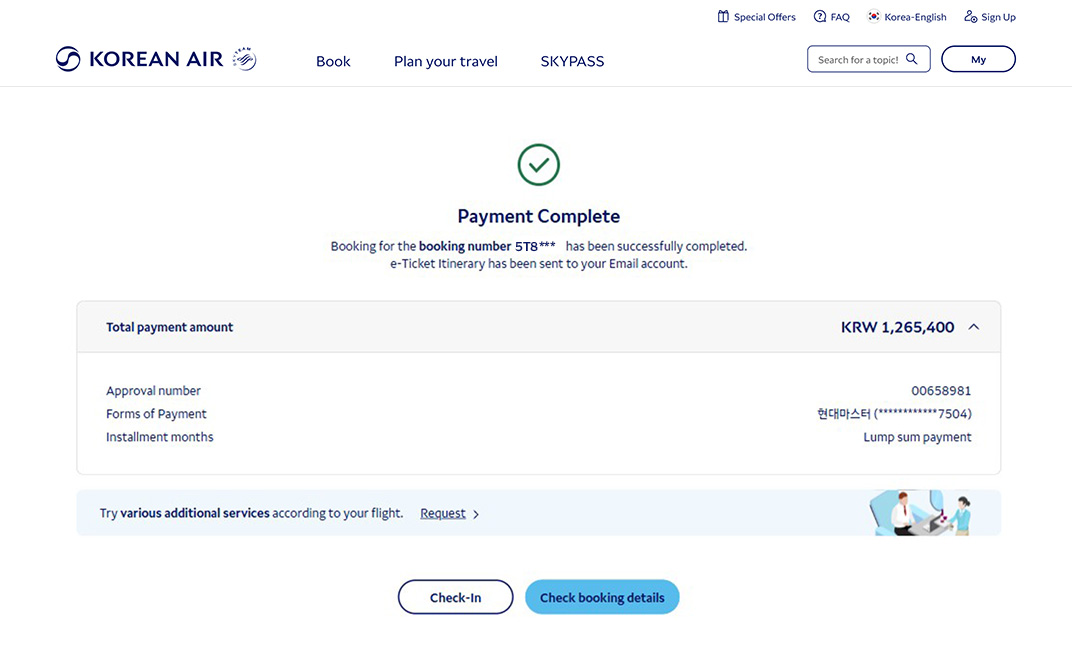
Payment complete
You can use the check-in service only if the payment for your booking has been made.
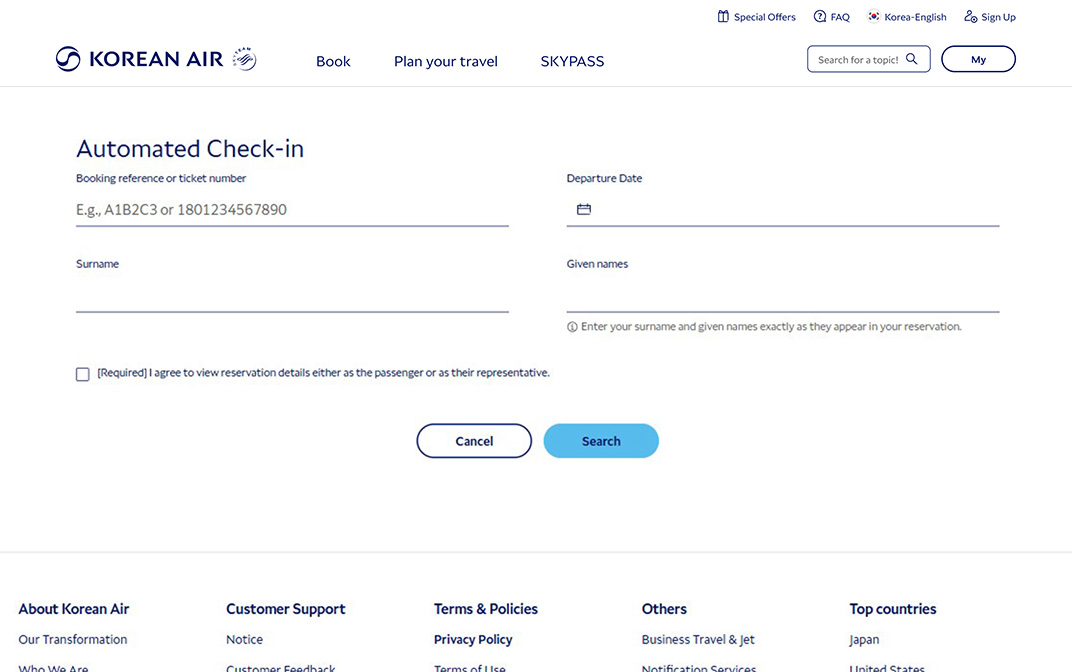
Sign up for automated check-in
Sign up for check-in up to 48 hours before departure.
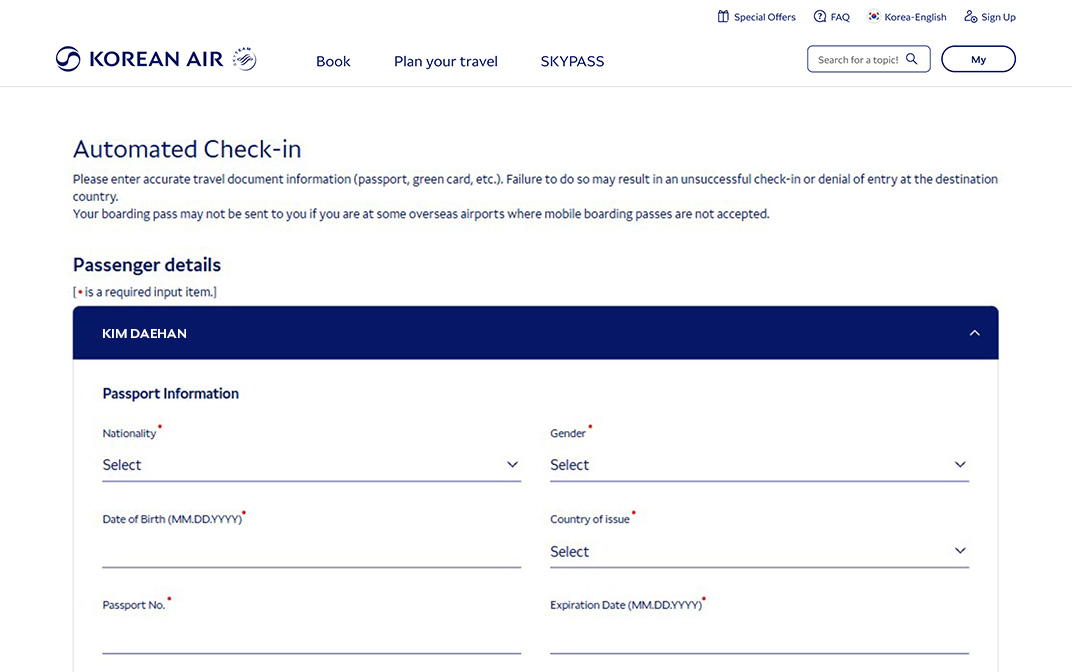
Enter information
Enter passport information and other information needed for the trip.
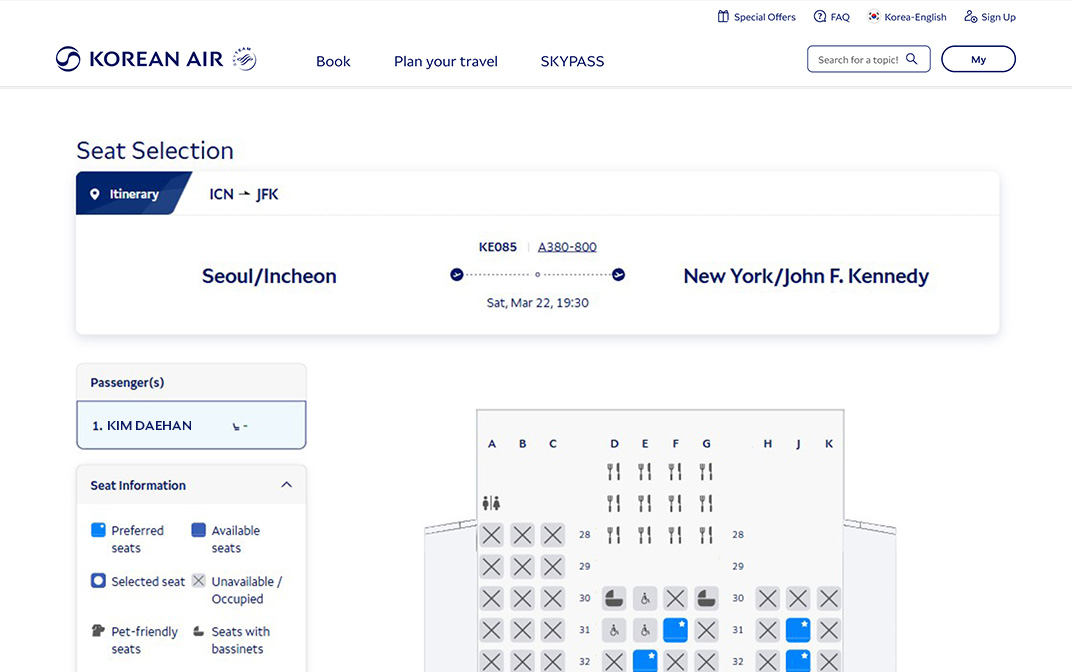
Select/change seats
You can select or change your seat based on your preference.
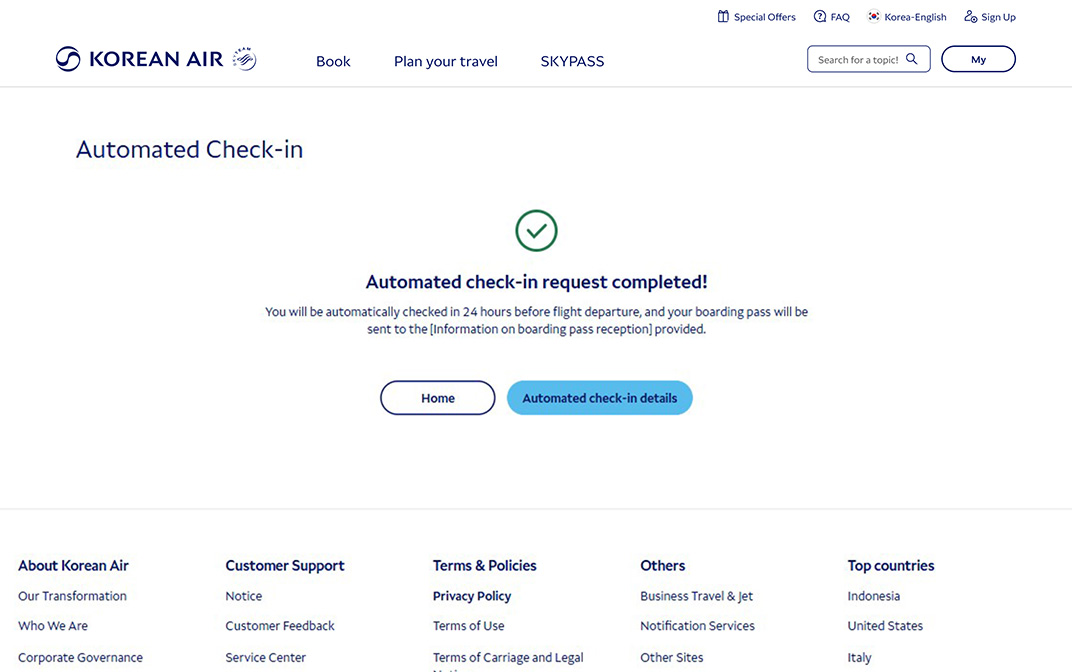
Check-in complete
Your automated check-in process will automatically be performed 24 hours before departure, and your boarding pass will be sent to you through your selected delivery preference.
When a single passenger selects their seat in advance for their domestic flight in Korea, they are automatically signed up for the automated check-in service.
More information about automated check-in
You may not be able to use the automated check-in service in some cases. Passengers who are not eligible for automated check-in Are you unable to use the automated check-in service?
If you request automated check-in, you can automatically check in one day before departure Airports where automated check-in can be requested Check if the airport allows automated check-in requests in advance
Use the self-service bag drop if you have any baggage to drop off. How to use After self-service check-in
See all the required travel documents to help you prepare for your trip. Travel documents Please make sure you have all the required documents for your trip.
What you should know
- You must enter your passport information accurately to check in.
- You can change seats, cancel check-in (ID verification required), or reissue boarding passes before the online check-in deadline.
- Enter an accurate email address or mobile phone number (Korean numbers only) to receive your boarding pass.
- Please arrive at the departure area at least 30 minutes prior to departure for domestic flights and at least 1 hour prior to departure for international flights.
Passengers who are not eligible for automated check-in
- Passengers flying with other airlines
- Passengers requiring an entry visa to their destination
- Passengers requesting a service that must be confirmed by airport staff
- Examples: Unaccompanied minor service, stretcher service, passengers traveling with pets, etc.
- Following government policy, a minor (under the age of 19) traveling alone on a domestic flight
How to use
If you need to check your baggage
- Get your boarding pass and check your baggage at the self-service bag drop (automated baggage check-in machine) or the airport counter before proceeding to the departure area.
- More information about self-service bag drop
If you do not have checked baggage
- Take your boarding pass and go straight to the departure area.
- If you wish to bring lighters, battery banks, electronic cigarettes, etc. on board, please check the carry-on regulations.
- Restricted items
Passengers who are not issued a boarding pass
- Passengers accompanying infants on international flights (flights departing from Singapore only)
- Children under 12 years of age (flights bound for the Philippines or Canada only)
- Passengers using an airport where online check-in is not available due to the policy of the airport authorities
Airports where automated check-in can be requested
You can request automated check-in for flights departing from the airports below.
| Region | Location |
|---|---|
| Domestic | All airports |
| Japan | All airports (except Kobe) |
| China | Hong Kong, Taipei, Macau, Taichung |
| Europe | All airports |
| Oceania | Sydney, Auckland, Brisbane |
| Southeast Asia | Bangkok, Kuala Lumpur, Singapore, Denpasar (Bali), Phuket, Ho Chi Minh City |
| Middle East | Dubai |
| Americas | All airports |
Boarding pass may not be issued when departing from an airport that is not on the list.
Travel documents
You will need both your old and newly issued passports. You must check in with an airport staff member to proceed to boarding. Use of the kiosks, automated check-in, or online check-in will not be permitted.
Passengers with dual nationality using the same passport to enter and exit the country can use the self-service check-in.
For example, if a passenger with both Republic of Korea and United States passports enters Korea with their Korean passport, they must exit Korea with the same Korean passport.
For all other cases, you must check in with an airport staff member to proceed to boarding, so please have both your passports ready.
Emergency or temporary passports issued overseas cannot be used for self-service check-in. Boarding will only be allowed after checking in with airport staff. However, emergency or temporary passports issued in Korea prior to departure can be used for self-service check-in.
For countries that require an electronic visa, such as the United States (including Guam) and Australia, your visa approval must be confirmed before you are allowed to proceed to boarding. Processing times for visas may vary for each passenger from the initial visa request to final approval depending on the country and agency. It is recommended you plan accordingly to ensure you have your visa prior to your trip.
Passengers of certain nationalities require a visa. However, travelers of some nationalities are eligible to enter after Korea Electronic Travel Authorization (K-ETA) approval. Please check eligibility in advance.
Entry regulations vary by country. Make sure to check the expiration date of your passport in advance.
You may be denied entry if even one digit or letter of your passport number or expiration date is different from the information you submit. Please double-check the information submitted. If you are using the mobile app, you can scan your passport for greater accuracy.
When checking in online, please select the country of issuance, such as the United States or Canada, as your country of residence. Please enter the correct permanent residency number and expiration date. You must bring both your passport and permanent resident card to the airport.
Unavailable. You must check in with an airport staff member to proceed to boarding. Please visit one of our check-in counters.
Possible. However, you must bring both your paper visa and passport to the airport.
Your passport and visa are official documents identifying you and prove your nationality. They allow your country of nationality to exercise diplomatic protection rights over you. Therefore, you must provide accurate information. If you are not careful and provide inaccurate information, you may have a disadvantage when entering or exiting other countries.
You can only submit the United States or Canada as your country of residence if you have a permanent resident card.
I have a newly issued passport, but my visa is in my previous passport. Do I need both passports?
Can dual nationals use self-service check-in (kiosks, automated check-in, online/mobile app check-in)?
While traveling outside of Korea, I lost my passport and received an emergency or temporary passport. Can I still use self-service check-in?
Can I get an electronic visa for the United States or Australia upon arrival at the airport?
Do I need a visa to enter Korea?
Is the passport expiration date important?
I entered my passport, contact, and other information correctly, but I am unable to check in online. What should I do?
I have permanent residency in the United States or Canada. Is there anything I should know when checking in?
I have a paper visa for Canada. Can I still use self-service check-in?
I have a paper visa for the United States. Can I still use self-service check-in?
Is there anything I should know when entering my passport or travel document information?
I have a paper visa from the United States or Canada. Can I enter these as my country of residence when checking in online or on the mobile app?