SKYPASS Club
Key benefits
Earn miles when you fly with Korean Air or use services including hotels, rental cars, and affiliated credit cards.
Get award tickets and seat upgrade awards using accrued mileage.
Qualify for Elite membership and enjoy benefits based on your Korean Air flight mileage and the number of qualifying flights.
Enjoy the same benefits of Korean Air with SkyTeam member airlines, depending on your membership tier.
Mileage accrual
Award tickets/seat upgrades
The more you fly with us, the higher your membership tier becomes
Benefits of SkyTeam Partner Airlines apply
How to sign up for membership
Korean Air website/app
Mobile wallet
Flight ticket purchase
Complete your flight ticket purchase.
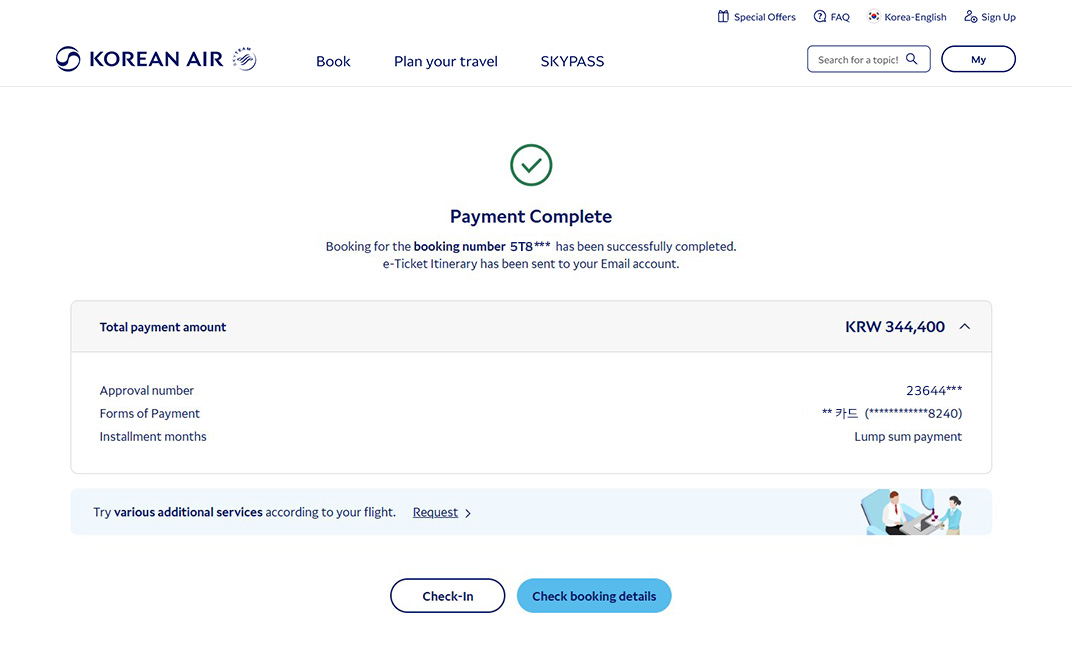
Select additional service
Select Booking Details > Other Service > Traveling with Pets.
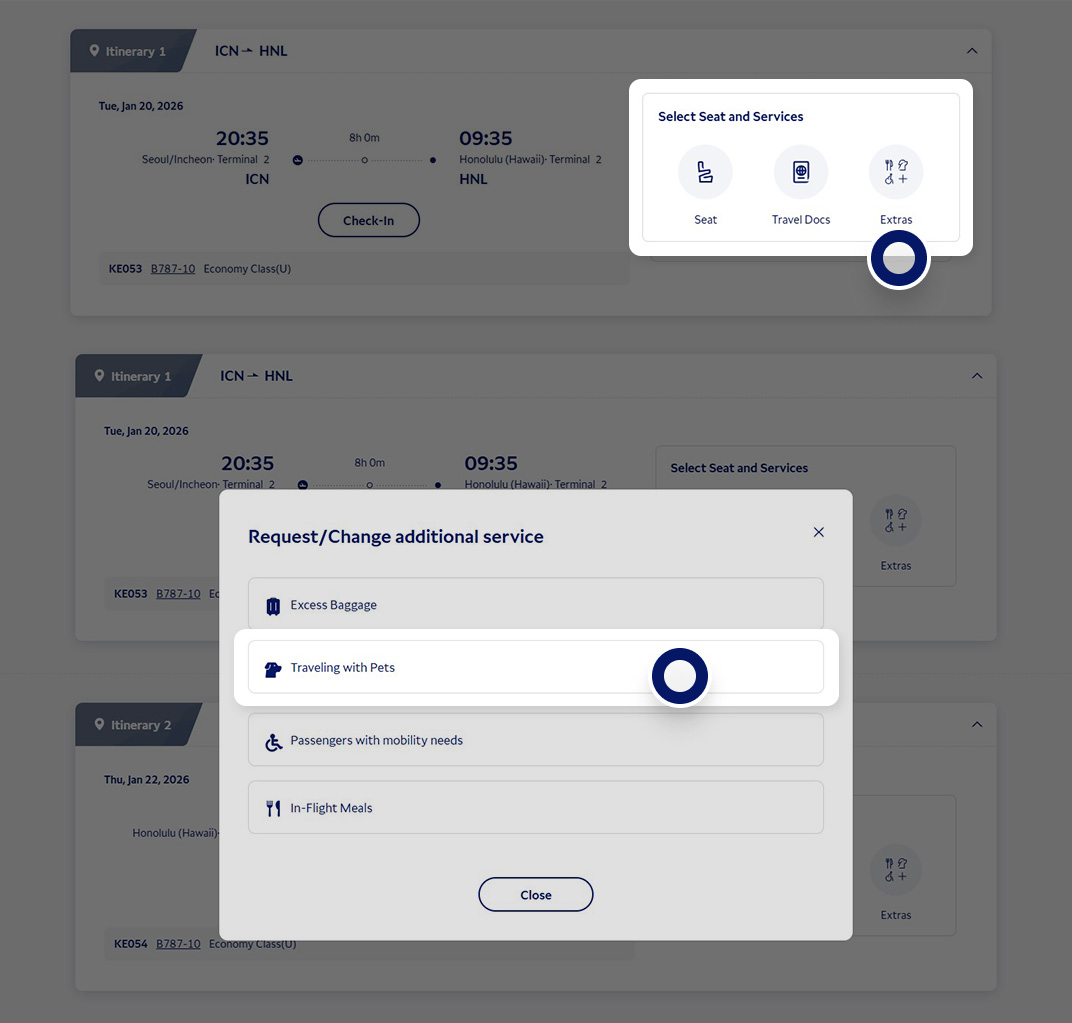
Apply for traveling with pets
Enter information about your pet and pet carrier.
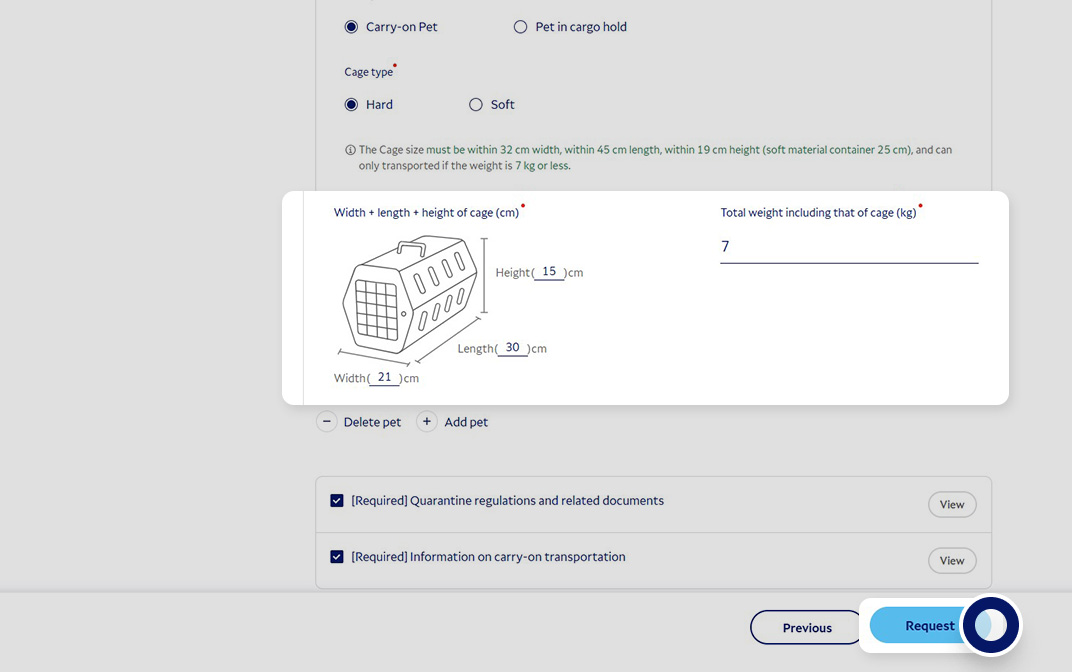
Check application details
Once the application status changes to “Approved,” click on the Use Mileage tap at the top of your screen to check your payment details.
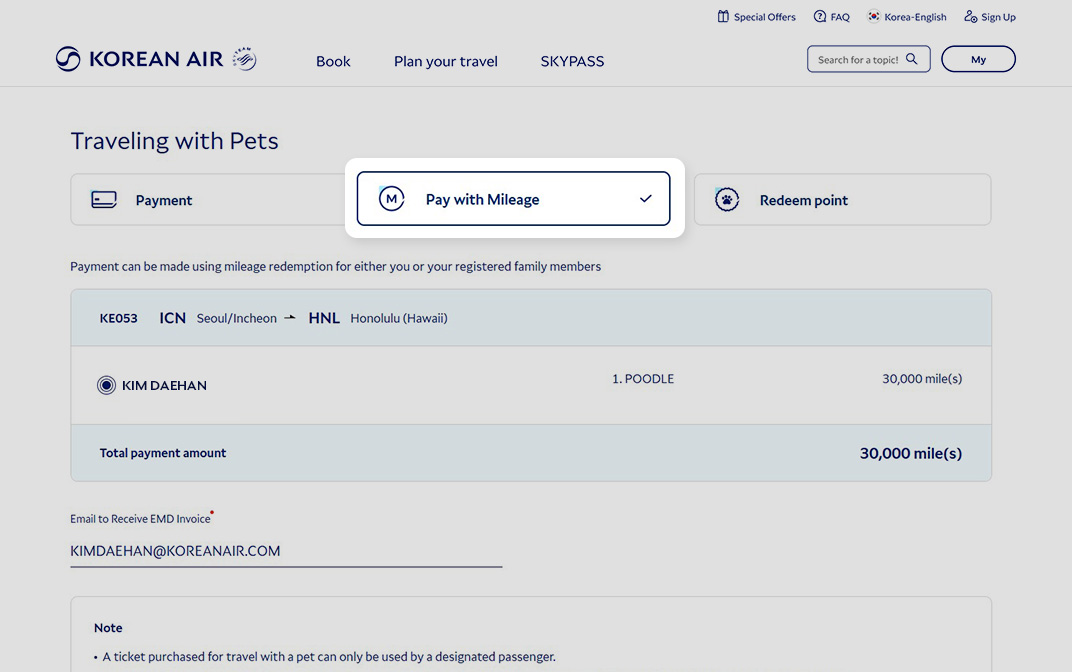
Make a payment
Make a payment with miles.

Check the FAQs about SKYPASS members
Edit contact information or merge SKYPASS membership numbers, even if you are not a Korean Air website member

What you should know
- Anyone can sign up regardless of age, gender, or nationality.
- However, foreigners residing in Korea or Korean nationals residing overseas can sign up after changing the region and language settings on the website.
- SKYPASS members need to sign up on the Korean Air website to use the services offered on the website.
- Please note that the option to sign up for the online membership is not provided at airport counters or the Service Center.
Samsung Wallet, Naver Pay
FAQs
Minors under the age of 14 can sign up for membership with the consent of a guardian (legal representative).
- Korean nationals residing in Korea: Consent of a guardian (legal representative) and identity verification required
- Others: Consent of a guardian (legal representative) required
If the date of birth is the same and the given name is similar for both children, the system may recognize them as the same member and may not register the second child. In this case, you can sign up the second child successfully by entering a different contact number/email from the one used for the first child.
Dormant SKYPASS accounts can be reactivated in the following ways.
- The account can be reactivated by completing identity verification through the 'Reactivate SKYPASS account' pop-up when logging in to the website or mobile app.
- The account can be automatically reactivated by earning mileage from Korean Air flights or partners, or by signing up as a new member on the website.
- Reactivation can be requested by the member in person at a branch office in Korea with an ID (for minors under 14 years of age, a legal representative can visit on their behalf).
The existing SKYPASS physical card has been replaced with a mobile card. You can save or print the image of the mobile card to use it just like a physical card.
You can check in at kiosks that can recognize QR codes by using the QR code on your mobile card.
According to Article 8 of the SKYPASS Terms of Use, the account and accrued mileage of a deceased member are not inherited and will automatically expire.
If you are an online member, you can edit your profile after logging in. If you are accessing the website as a guest or cannot log in to the site, you can make changes after identity verification.
The given name registered in your SKYPASS profile can be changed, and the requirement for supporting documents depends on the reason for the change.
- Change due to a legal name change: An ID card showing the name before and after the change, a certified copy of resident registration, or other documents verifying the name change.
- Adding a given name and other changes: An identification document that can verify the given name information (passport, resident registration card, driver's license, etc.)
- Simple spelling corrections or spacing changes that do not alter the pronunciation: No supporting documents required.
Please change your email address first through [Customer Feedback] and then try again.
When submitting customer feedback, please provide your full name, date of birth, user ID, SKYPASS number, phone number, and an email address where you can be reached. A copy of your ID (resident registration card, driver's license, passport, etc.) is required.
- For requests made by the legal representative of a member under 14 years of age: The legal representative's ID and a family relationship certificate are also required.
How can a minor under the age of 14 sign up for SKYPASS membership?
When signing up multiple children (two or more) for a membership, how do I sign up the second child?
How do I reactivate my dormant SKYPASS account?
Please reissue my SKYPASS Card.
What happens to the mileage if a SKYPASS member passes away?
I want to change the email address and mobile phone number registered with SKYPASS.
I want to change the given name registered on SKYPASS.
I can't reset my password because I don't know the email address registered in my profile.